
December 10, 2025
Cloud storage has become the backbone of modern business operations. Whether you’re using AWS S3, Azure Blob, GCP Storage, or...
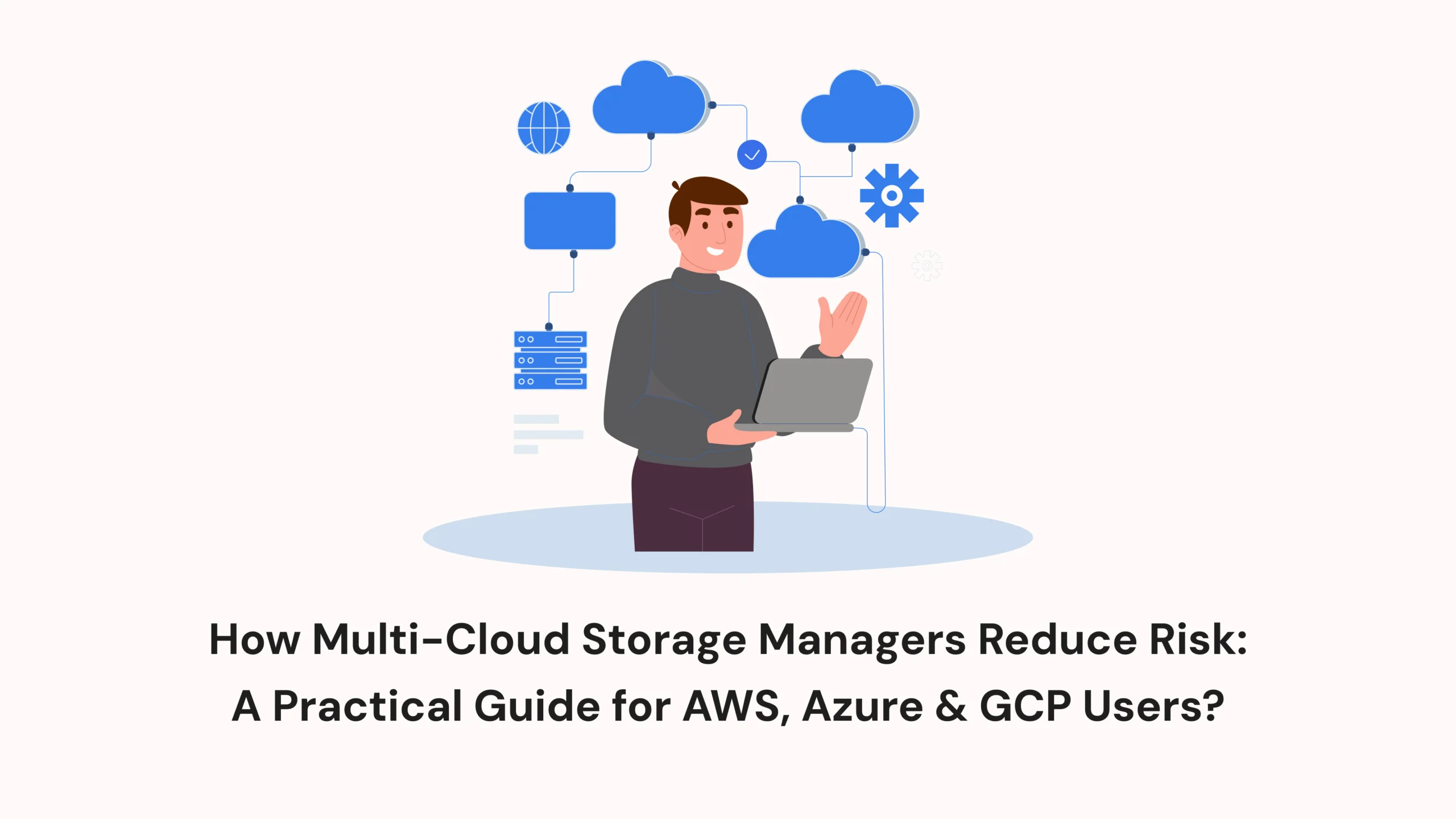
As businesses grow, so does the amount of data they manage. Increasingly, companies are choosing a multi-cloud strategy—using AWS S3, Azure Blob Storage, and Google Cloud Storage together to maximize flexibility and avoid vendor lock-in.
As businesses grow, so does the amount of data they manage. Increasingly, companies are choosing a multi-cloud strategy—using AWS S3, Azure Blob Storage, and Google Cloud Storage together to maximize flexibility and avoid vendor lock-in.
While this approach improves scalability, it also introduces new challenges. Managing multiple storage consoles, security rules, and permission structures can quickly turn into a confusing, risky environment.
This is where a multi-cloud storage manager like Fylioo becomes essential. Instead of navigating three different cloud dashboards, teams get one unified interface to manage all storage operations securely and consistently.
This guide breaks down—in simple terms—how multi-cloud storage tools help reduce risk, improve visibility, and streamline operations for modern teams.
A multi-cloud environment sounds simple: use AWS for one workload, Azure for another, and GCP for your global operations. But in practice, the complexity grows fast.
Different permission models create confusion
When these systems don’t align, it becomes easier to accidentally expose data, misconfigure permissions, or create conflicting access rules.
Three dashboards = Three chances for error
Teams constantly switch between:
Each interface handles access, encryption, and public visibility differently. One small mistake—such as leaving a bucket public—can create a major security incident.
Harder to track who touched what
Multi-cloud environments scatter monitoring across three platforms. This makes it harder to trace:
The result: higher operational risk.
This is why businesses increasingly rely on Fylioo to centralize everything.
Modern teams use tools like Fylioo because it replaces cloud chaos with clarity. Here’s how.
One Unified Dashboard Means Fewer Misconfigurations
A multi-cloud storage manager gives you a single pane of glass to manage:
By centralizing everything, tools like Fylioo drastically reduce the chance of:
✔ Public buckets left exposed
✔ Incorrect access policies
✔ Mixed-up roles
✔ Manual configuration errors
This is especially valuable for teams handling sensitive or regulated data.
Secure Multi-Cloud File Transfers Without Risky Local Downloads
Manually moving files between clouds often means downloading them to a local machine first. This creates several risks:
With a multi-cloud file transfer feature, Fylioo lets you move files directly between:
…without touching your local device.
This prevents:
Additionally, tools like Fylioo include cloud sync, backup automation, and file previews, making operations smoother and safer.
Consistent Security Rules Across All Cloud Providers
Every cloud provider treats:
A multi-cloud storage manager standardizes these settings so your data follows one consistent security rulebook, no matter where it lives.
This gives you:
✔ A unified security posture
✔ Centralized visibility
✔ Easier compliance reporting
✔ Faster detection of suspicious activity
And when you use a tool like Fylioo, your team sees everything—AWS, Azure, and GCP—in one safe, organized dashboard.
A multi-cloud dashboard is useful for almost every industry, especially those dealing with large amounts of sensitive data.
✔ DevOps & Cloud Engineering Teams
They save time, avoid configuration errors, and get consistent visibility.
✔ SaaS Companies
Easier auditing, smoother multi-region storage, and unified security controls.
✔ Agencies & Digital Teams
They manage multiple client clouds without switching platforms constantly.
✔ Enterprise Teams
Centralized management helps improve compliance, workflow speed, and security.
✔ Developers
They gain features such as integrated file previews, built-in editors, and hassle-free versioning.
In all cases, a tool like Fylioo simplifies life dramatically.
Multi-cloud environments offer huge advantages—but only when managed properly.
A multi-cloud storage manager eliminates confusion, centralizes policy enforcement, simplifies file operations, and strengthens security.
If your business uses AWS, Azure, and GCP, a unified tool like Fylioo is the smartest way to stay secure, efficient, and future-ready.
It centralizes AWS S3, Azure Blob, and GCP Storage into one dashboard so you can manage files, permissions, transfers, logs, and versioning without switching consoles.
It prevents misconfigurations, standardizes policies, and removes the need for risky manual downloads or cross-cloud transfers.
Yes. An S3 browser works only with AWS.
A multi-cloud manager supports AWS + Azure + GCP together.
DevOps teams, developers, SaaS companies, agencies, and any business storing data across multiple clouds.
Absolutely. One dashboard helps identify:
across all clouds.
Cloud storage has become the backbone of modern business operations. Whether you’re using AWS S3, Azure Blob, GCP Storage, or...
As businesses grow, so does the amount of data they manage. Increasingly, companies are choosing a multi-cloud strategy—using AWS S3,...
If you work in finance, you already know that trust is everything. Customers share their most personal financial details—account balances,...
WhatsApp us